
Anderson Street: 360° VR Experience (Case Study)
A detailed look at how we build immersive 360° VR walkthroughs—from plan review and grayscale modelling to photoreal materials, lighting, and tour-ready delivery for architectural and property presentations.
Project Snapshot
- Project
- Anderson Street
- Deliverable
- 360° VR Walkthrough / Virtual Tour
- Suitable for
- Architects • Builders • Developers • Real Estate
- Service Category
- 360 VR • 3D Rendering • Walkthroughs
- Supporting Assets
- Photoreal still renders and/or walkthrough animations (as needed)
Overview
The Anderson Street case study highlights a practical workflow used for immersive 360° VR walkthroughs in architectural visualisation. The goal is simple: help stakeholders understand spatial flow, finishes, lighting, and “how the space feels” from a viewpoint—without relying only on static images.
In many presentations, a 360° VR experience sits alongside photoreal 3D renders, 3D floor plans, and architectural walkthrough animations. Each format supports a different decision moment—this case study focuses specifically on building the 360° tour so it’s smooth to view, easy to share, and clear to review.
No-obligation next step: share your drawings and references, and we’ll suggest whether 360° VR, still renders, animation—or a combination—fits your presentation goal.
Targeted Services & Locations
Targeted services covered on this page
- 360 VR experience / 360° VR walkthrough
- Immersive 360 virtual tours (interior & exterior viewpoints)
- 3D architectural visualisation & photoreal rendering
- Lighting, textures, materials & post-processing
- Walkthrough support that can pair with animation when required
Locations we commonly support
- Melbourne (VIC)
- Sydney (NSW)
- Brisbane (QLD)
- Perth (WA)
- Adelaide • Canberra • Gold Coast • Regional Australia
For industry-specific work, see: Architects, Interior Designers, Commercial Spaces, Real Estate Developers.
How the 360° VR Walkthrough Was Developed
Below is the end-to-end process typically followed for a 360° VR walkthrough—structured so architects, builders, developers, and stakeholders can clearly understand what happens at each stage.
-
Initial consultation & use-case mapping
We align on the audience (client, council, internal team, buyers), the decision the visuals need to support, and how the tour will be presented (web, mobile, in-room screens, or headset viewing).
-
Plans, elevations & specification review
We review drawings and reference material (materials/finishes, colour schedules, and site context) to match the visual direction with the design intent.
-
Viewpoint planning (what the viewer will “stand” in)
We define camera positions and viewing logic. For multi-point tours, we map how a viewer moves between spaces using hotspots and navigation cues.
-
Grayscale 3D modelling
A grayscale model is built to validate scale, composition, key structural elements, and spatial flow before materials and lighting are introduced.
-
White render / clay approvals
We share clean “white renders” from selected viewpoints so feedback stays focused on layout, camera direction, and form—before visual detailing begins.
-
Materials, textures & asset detailing
Materials and finishes are applied based on references. Furniture, landscaping, and supporting elements are refined to suit the intended presentation standard.
-
Lighting & photoreal refinement
Lighting setups are tuned for clarity and mood (day / dusk scenarios if relevant), followed by visual refinement like colour grading and controlled post-processing.
-
360° panorama build & tour optimisation
High-quality 360° outputs are prepared for smooth viewing. For tours with multiple points, we configure navigation so users can explore without confusion.
-
Feedback, revisions & final packaging
We apply feedback in controlled rounds, QA the experience on common devices, then package the deliverables for handover—ready for the intended viewing environment.
What Gets Delivered (and how teams typically use it)
A 360° VR walkthrough is designed to be easy to share across teams—especially when stakeholders are not in the same location. Deliverables vary by project needs, but commonly include:
- 360° viewpoints prepared for interactive viewing (single-point or multi-point tours)
- Tour-ready assets configured for smooth navigation and clear orientation
- Presentation support for web embedding and stakeholder sharing workflows
- Optional companion visuals such as still renders or animations when a project benefits from multiple formats
If you’re comparing formats, a practical approach is: still renders for hero images + 3D floor plans for layout clarity + 360° VR for immersive understanding.
Where 360° VR Walkthroughs Are Commonly Used
A 360° VR experience supports multiple phases—from concept reviews to stakeholder presentations—especially when the goal is to help viewers understand a space beyond static imagery.
Architecture & design presentations
- Explaining layout and circulation in client meetings
- Material/finish discussions under realistic lighting
- Internal reviews with consultants and documentation teams
Real estate & development
- Off-the-plan style previews using immersive viewpoints
- Marketing support alongside renders and animations
- Remote stakeholder access to spatial context
Want more examples? Explore Our Works or browse the full Case Studies hub.
FAQs
What’s the difference between a 360° VR walkthrough and an architectural animation?
A 360° VR walkthrough lets the viewer look around freely from a chosen viewpoint (or multiple viewpoints). An architectural animation is a guided sequence (flythrough/walkthrough) that plays like a video. Many projects use both depending on presentation needs.
Can 360° VR be combined with still renders and 3D floor plans?
Yes. A common visualisation set includes photoreal still renders for hero images, 3D floor plans for layout clarity, and 360° VR for immersive understanding of space and finishes.
What inputs do you typically use to start a 360° VR project?
Typical inputs include architectural drawings, elevations, reference images, material specifications, and colour schedules. These inform modelling, view selection, lighting, texturing, and tour preparation.
Do you support projects across Australia (including Sydney)?
We support teams across Australia depending on project needs—commonly including Melbourne, Sydney, Brisbane, Perth, and other major and regional locations. You can also use the city links at the top to explore location-specific pages.
Need a 360° VR Experience for Your Next Project?
Share your drawings and references, and we’ll suggest a suitable visualisation approach—360° VR, 3D renders, floor plans, animations, or a combination—based on your presentation goal.
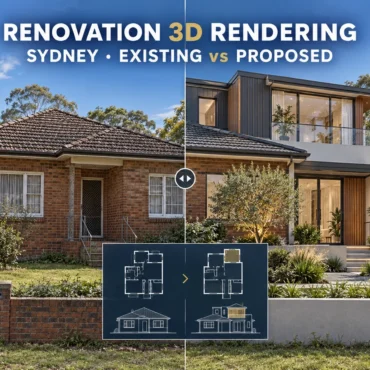
Renovation 3D Rendering Sydney: Existing vs Proposed
Home / Blogs / Renovation visualisation Sydney · Residential architects · Renovation builders Renovation 3D Rendering in Sydney: Compare Existing and Proposed Designs Clearly Help clients understand the actual renovation....
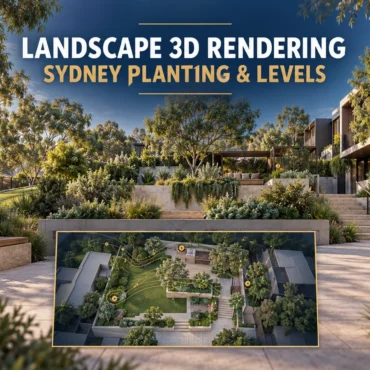
Landscape 3D Rendering Sydney: Planting & Levels
Home / Blogs / Landscape visualisation Sydney · Landscape designers · Architects & builders Landscape 3D Rendering in Sydney: Show Planting, Levels and Outdoor Living Clearly Help clients understand how...
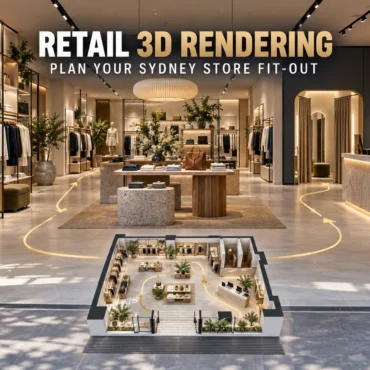
Retail 3D Rendering Sydney: Plan Your Store Fit-Out
Home / Blogs / Retail fit-out visualisation Sydney · Retail designers · Shopfitters Retail 3D Rendering in Sydney: Plan the Customer Journey Before Your Fit-Out A shop needs to do...
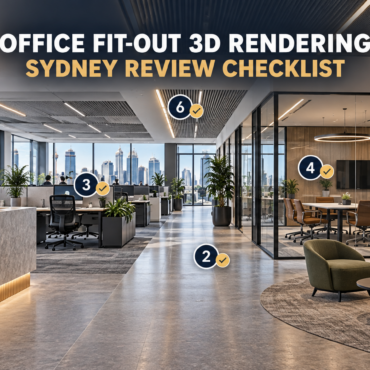
Office Fit-Out 3D Rendering Sydney | Review Checklist
Home / Blogs / Office fit-out visualisation Sydney · Commercial interiors · Project review Office Fit-Out 3D Rendering in Sydney: What to Review Before Design Sign-Off Help clients understand the...
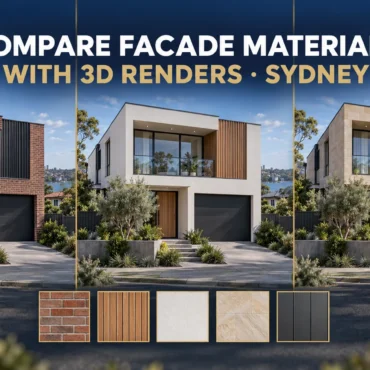
Compare Facade Materials with 3D Renders | Sydney
Home / Blogs / Facade material comparisons Materials · Facades · Design decisions Compare Facade Materials with 3D Renders: A Guide for Sydney Builders and Architects Brick, cladding, stone and...
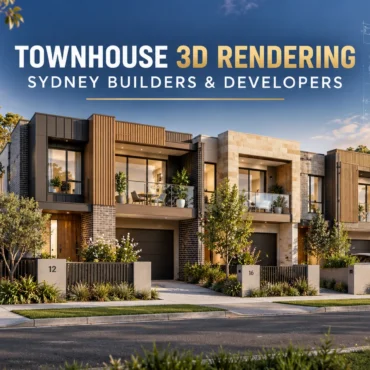
Duplex 3D Rendering Sydney: Show Each Home Clearly
Home / Blogs / Duplex visualisation Sydney · Builders · Property developers Duplex 3D Rendering in Sydney: Show What Makes Each Home Different Two homes can share a facade style...
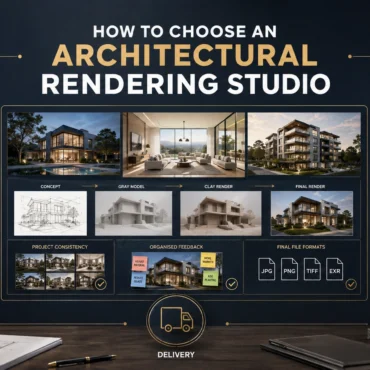
How to Choose an Architectural Rendering Studio
Skip to the answer Home / Blogs / Choosing a rendering studio PORTFOLIO FIT · PROCESS · SCOPE · COMMUNICATION How to Choose an Architectural Rendering Studio in Australia: 10...
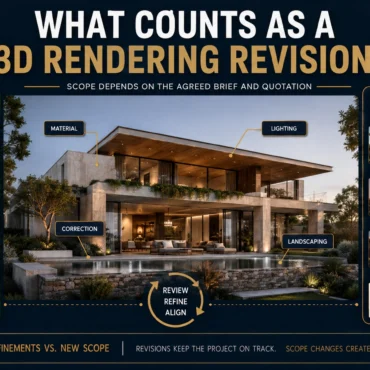
What Counts as a 3D Rendering Revision?
Skip to the answer Home / Blogs / Rendering revisions FEEDBACK ROUNDS · DESIGN CHANGES · CAMERA CONTROL · SCOPE What Counts as a Revision in Architectural Rendering? Feedback, Changes...
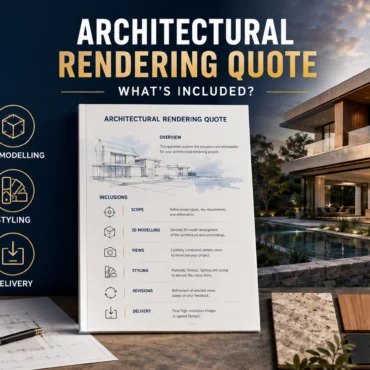
Architectural Rendering Quote: What Is Included?
Skip to the answer Home / Blogs / Rendering quote inclusions SCOPE · REVISIONS · DELIVERABLES · CHANGE CONTROL What Is Included in an Architectural Rendering Quote? Scope, Revisions and...
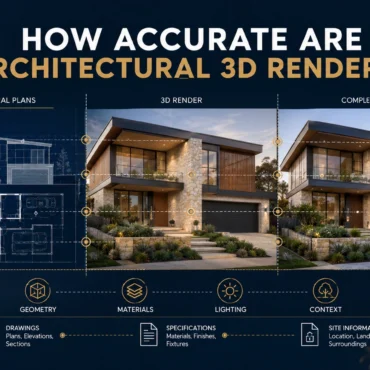
How Accurate Are Architectural 3D Renders?
Skip to the answer Home / Blogs / Render accuracy GEOMETRY · MATERIALS · CAMERAS · ASSUMPTION CONTROL How Accurate Are Architectural 3D Renders? Geometry, Materials and Assumptions Explained A...