
3D Rendering Solutions for Architects in Brisbane
A practical guide to using 3D rendering services in Brisbane across concept design, client presentations, stakeholder alignment, design reviews, and marketing visuals—without overcomplicating your workflow.

Brisbane’s architecture and construction landscape often involves multiple stakeholders—clients, consultants, builders, and internal design teams—who need to align on the same vision. That’s where 3D architectural rendering and architectural visualisation become practical tools: they translate drawings into visuals that are easier to review, compare, and present.
This article covers common use cases for 3D rendering services in Brisbane, from photorealistic exterior perspectives to architectural walkthroughs, 3D animation services, 3D floor plans, BIM modelling, and 360° VR experiences.
3D rendering Brisbane, 3D rendering company in Brisbane, 3D rendering service provider in Brisbane, architectural walkthrough, architectural animation, architectural animation services, 3D architectural animation, 3D floor plan, rendering floor plan, floor plans for house, floor layout designer, BIM modelling, building information modelling, BIM services, 360 VR experience, immersive 360 VR experience, 360 VR video, product visualization, 3D product visualization, graphic design services.
Why architects in Brisbane use 3D rendering
2D documentation is essential, but it’s not always the fastest way for non-technical stakeholders to understand form, scale, material choices, and spatial flow. 3D architectural renders help present design intent clearly and support decision-making across:
- Concept validation: massing, façade direction, and streetscape context
- Design reviews: comparing options (materials, lighting, landscaping, interior palettes)
- Client presentations: communicating “what it will feel like” in a space
- Marketing visuals: brochures, websites, signage, and off-the-plan campaigns
Brisbane workflow: matching deliverables to project stages
Stage 1: Early concept
Use clean, design-led visuals: massing renders, simple material studies, daylight context views.
Stage 2: Design development
Switch to photoreal: accurate materials, lighting mood, furniture/FF&E, landscape and streetscape cues.
Stage 3: Presentation & stakeholder alignment
Consider walkthroughs/animation to show spatial flow and reduce misinterpretation of plans.
Stage 4: Marketing assets
Hero exterior images, interior lifestyle shots, 360 VR tours, and short animation cuts for social/ads.
Core 3D rendering deliverables for Brisbane architects
1) Photorealistic exterior renders
Exterior renders typically focus on the “first impression” moments—street approach, building presence, façade depth, and material articulation. For Brisbane projects, lighting conditions, greenery, and surrounding context can play a major role in how a design is perceived.
Useful for: design presentations, marketing brochures, proposal decks, and client approvals.
2) Interior renders (key rooms + lifestyle angles)
Interior 3D renders help communicate spatial proportions, finishes, and lighting mood. For residential architecture, common focus areas include living, kitchen, master suite, and entry. For commercial interiors, reception, collaboration spaces, and feature zones are typical “hero” views.
Useful for: FF&E alignment, finishes discussions, and sales materials.
3) 3D floor plans (clear layout communication)
A 3D floor plan (also called a rendering floor plan) provides an easy-to-read overview of circulation, room relationships, and furniture intent. This can be helpful when a client wants quick clarity without reading detailed drawings.
- Targets keywords: floor plans for house, 3D floor plan, floor layout designer
- Common use: brochures, websites, pre-sales kits, concept decks
4) Architectural walkthroughs (camera path through the design)
An architectural walkthrough shows how a person experiences the space—entry sequence, transitions, key sightlines, and overall flow. Walkthroughs can be particularly helpful for multi-level homes, commercial fit-outs, and projects where spatial experience is central to the design story.
Explore more: Architectural walkthroughs & animation examples
5) Architectural animation services (storytelling + scale)
Architectural animation is often used when you want to communicate scale, context, and design intent over time—especially for developments, mixed-use projects, or marketing campaigns. It can include exterior fly-throughs, interior sequences, and feature highlights.
- Targets keywords: architectural animation, 3D architectural animation, architectural animation services
- Common use: investor decks, landing pages, presentations, social content
6) BIM modelling and building information modelling support
BIM (Building Information Modelling) supports coordination and consistency between design intent and technical development. While BIM has its own scope and purpose, it can also support visual workflows when used carefully.
7) 360° VR experiences (immersive review and presentation)
A 360 VR experience lets stakeholders “look around” from set viewpoints. It’s useful for reviewing key areas and communicating spatial feel, especially when the audience is remote.
Beyond architecture: add-on visual assets many Brisbane firms request
Depending on your project and presentation needs, these related services can complement architectural visuals:
- Product visualization: for custom joinery, facade systems, lighting, or product-led spaces
- Graphic design services: for presentation boards, project one-pagers, brochures, and pitch decks
How to brief a 3D rendering partner (so the output matches your intent)
A strong brief helps ensure the visuals align with your architectural narrative. Typical inputs include:
- Plans/elevations/sections (PDF or CAD), and any 3D model references if available
- Material palette direction (mood boards, samples, supplier links)
- Key camera angles (or a short note: “street hero”, “entry arrival”, “kitchen to living connection”)
- Lighting direction (day/dusk mood) and landscape intent
- Any brand/presentation constraints (fonts, margin style, clean vs lifestyle)
Add contextual links to: Projects, 3D Animation & Walkthroughs, and relevant city service pages (e.g., Brisbane / Melbourne / Sydney pages if you have them).
Common use cases
- Residential homes and renovations
- Townhouse and multi-dwelling concepts
- Commercial fit-outs and hospitality projects
- Mixed-use and multi-storey presentations
- Design option comparisons (materials, façade variants, landscape schemes)
FAQs: 3D rendering solutions for architects in Brisbane
What’s the difference between architectural visualisation and 3D rendering?
“3D rendering” typically refers to the final images (or frames) produced from a 3D scene. “Architectural visualisation” is broader and can include still renders, walkthroughs, animation, 3D floor plans, and 360° VR outputs used for communication and presentations.
When should an architect use a 3D walkthrough vs a set of still renders?
Still renders work well for “hero moments” (street view, key interior spaces). A walkthrough helps when the spatial journey matters—multi-level flow, transitions, or a more experiential presentation for stakeholders.
Are 3D floor plans useful if we already have 2D plans?
Yes—3D floor plans help non-technical viewers interpret layout quickly. They’re commonly used in brochures, websites, and early-stage presentations to communicate circulation and room relationships.
Can BIM modelling and 3D visualisation be used together?
They can complement each other when managed carefully. BIM supports coordination and information structure, while visualisation focuses on communication and presentation. The approach depends on project needs and deliverables.
What is a 360° VR experience in architectural presentation?
A 360° VR experience places the viewer inside the scene at fixed viewpoints. It’s useful for remote reviews and for communicating spatial feel when stakeholders cannot visit a physical site.
Which Brisbane projects benefit most from architectural animation?
Animation is often used for developments, mixed-use projects, or any presentation where you want to show scale, context, and design intent through motion—such as an approach sequence, key feature highlights, or time-of-day mood.
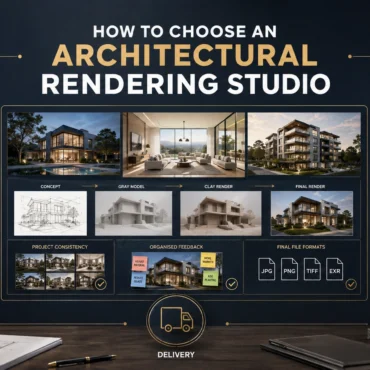
How to Choose an Architectural Rendering Studio
Skip to the answer Home / Blogs / Choosing a rendering studio PORTFOLIO FIT · PROCESS · SCOPE · COMMUNICATION How to Choose an Architectural Rendering Studio in Australia: 10...
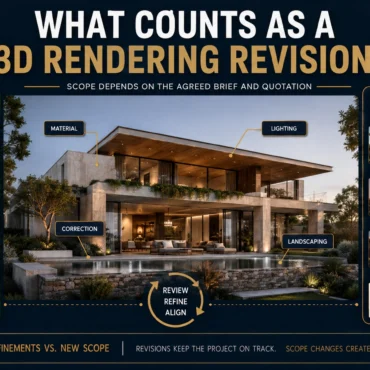
What Counts as a 3D Rendering Revision?
Skip to the answer Home / Blogs / Rendering revisions FEEDBACK ROUNDS · DESIGN CHANGES · CAMERA CONTROL · SCOPE What Counts as a Revision in Architectural Rendering? Feedback, Changes...
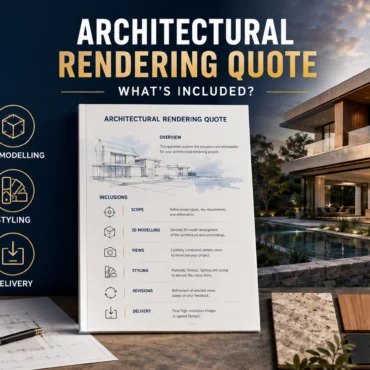
Architectural Rendering Quote: What Is Included?
Skip to the answer Home / Blogs / Rendering quote inclusions SCOPE · REVISIONS · DELIVERABLES · CHANGE CONTROL What Is Included in an Architectural Rendering Quote? Scope, Revisions and...
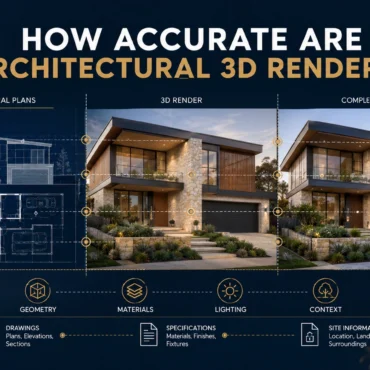
How Accurate Are Architectural 3D Renders?
Skip to the answer Home / Blogs / Render accuracy GEOMETRY · MATERIALS · CAMERAS · ASSUMPTION CONTROL How Accurate Are Architectural 3D Renders? Geometry, Materials and Assumptions Explained A...
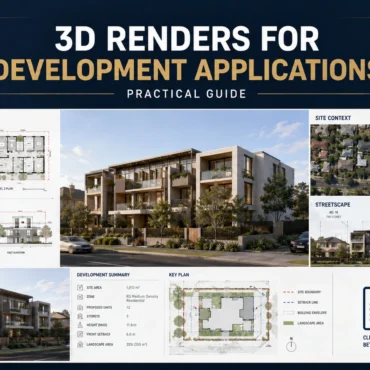
3D Renders for Development Applications | Guide
Skip to the answer Home / Blogs / Development application renders PLANNING COMMUNICATION · DESIGN CONTEXT · STAKEHOLDER REVIEW Can 3D Renders Be Used for Development Applications? An Australian Planning...
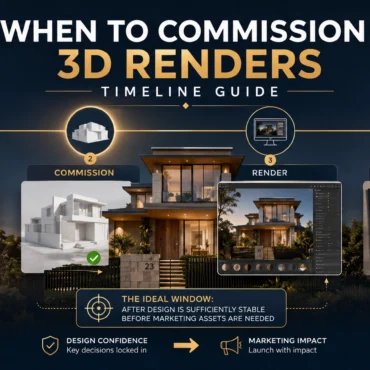
When to Commission 3D Renders | Timeline Guide
Skip to the answer Home / Blogs / Commissioning timeline PROJECT PLANNING · DESIGN READINESS · CAMPAIGN DELIVERY When Should You Commission 3D Renders? A Property Development Timeline A practical...
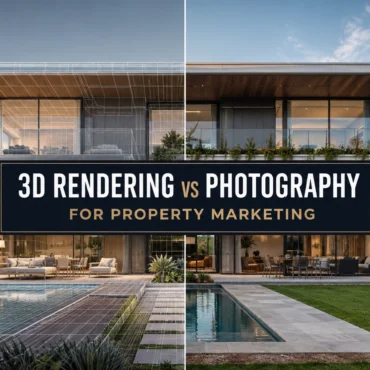
3D Rendering vs Photography: Which Is Better for Property Marketing?
Skip to the answer Home / Blogs / Rendering vs photography PROPERTY MARKETING · CGI · REAL ESTATE PHOTOGRAPHY 3D Rendering vs Photography: Which Is Better for Property Marketing? A...
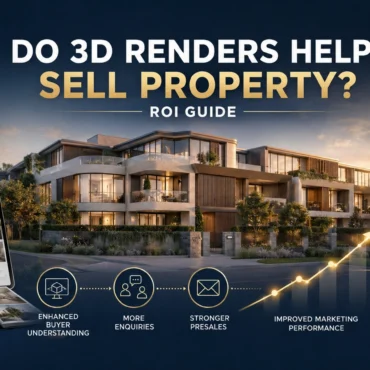
Do 3D Renders Help Sell Property? ROI Guide
Skip to the answer Home / Blogs / 3D rendering ROI PROPERTY MARKETING · ATTRIBUTION · VISUALISATION ROI Do 3D Renders Help Sell Property? A Practical ROI Measurement Guide A...

How to Give Feedback on 3D Renders | Checklist
Skip to the answer Home / Blogs / 3D rendering feedback checklist ARCHITECTURAL VISUALISATION · REVIEW CONTROL · REVISION WORKFLOW How to Give Feedback on 3D Renders: A Revision Checklist...

How to Choose Camera Angles for 3D Rendering
Skip to the answer Home / Blogs / Architectural rendering camera angles ARCHITECTURAL VISUALISATION · CAMERA COMPOSITION · VIEW PLANNING How to Choose Camera Angles for Architectural Rendering: A View-Planning...