

Staged Development 3D Rendering | Sydney Release Guide
Sydney · Property developers · Architects · Marketing teams
Marketing a Development in Stages: Keeping 3D Renders Consistent Across Releases
A new release needs current imagery and a recognisable project identity. Plan what stays consistent, what changes and which older images need to be replaced before the next campaign goes live.
How do you keep development renders consistent across stages?
Use an agreed visual baseline for cameras, materials, landscape treatment and output formats, then check every release against the current design information. Identify the stage and revision each image represents, distinguish future proposals from existing conditions and issue an approved image list for marketing. Update or withdraw affected earlier exports when the design changes.
Clients we have worked with
A selection from our wider client portfolio.







Set the project identity before producing separate releases
Staged development 3D rendering needs continuity across individual buildings, dwellings and launch periods. Without a shared brief, later images can drift in colour, camera style or landscape treatment even when the underlying design has not changed.
Agree a visual baseline for the wider project. This may include the treatment of facade materials, lighting, surrounding context, planting, furniture and final image crops. Keep reference images and relevant schedules with that brief so a later release does not depend on someone remembering the original choices.
Project baseline
Record the agreed presentation style and the design information shared across the development.
Release-specific scope
Identify the stage, dwelling types, views and selections that belong to the current launch.
Approved exports
Issue a clear list of current images and the placements they are intended to support.
Consistency does not mean freezing the original design. When a documented change affects an earlier image, update the image or clarify its status. Use our Sydney property developer visualisation guide to connect release planning with the broader marketing package.
Map the design changes before requesting image updates
Prepare a short change register for each release. List the source drawing or selection revision, what has changed and which views may be affected. A facade update could appear in a close exterior view, an aerial and the background of another stage’s image.
Ask the visualisation team to review the impact rather than assuming every change is a quick texture adjustment. A new building footprint, revised roof or altered site level may affect geometry, cameras, shadows and nearby landscape.
| Element | Keep consistent where applicable | Recheck for the next release |
|---|---|---|
| Camera and framing | Comparable eye levels, perspective and agreed output crops. | Whether the new stage needs another angle to explain its differences. |
| Materials | The appearance of genuinely shared, unchanged selections. | Updated products, colour schedules and stage-specific packages. |
| Landscape | The agreed visual treatment and documented shared features. | Changed layouts, planting stages and facilities outside the current release. |
| Site context | Relevant roads, surrounding buildings and shared geometry. | Changes to earlier stages, access arrangements and proposed future works. |
| Image identity | A clear naming and approval process. | Stage number, dwelling type, drawing revision and publication status. |
Keep image corrections separate from design revisions. Consolidated comments and a clear change register help the team agree which updates belong to the existing image scope and which require additional work. Our render feedback checklist supports that review process.
Distinguish the current release from the future masterplan
A broad development image may show several stages together. Decide whether it represents the current release, a proposed completed development or another clearly defined point in the project. Use appropriate labels and accompanying descriptions so viewers can understand what they are seeing.
Confirm the status of shared facilities, roads, landscape and surrounding buildings in the brief. Do not let a polished image imply that a future amenity already exists or belongs to the current release when that has not been established.
Keep landscape timing deliberate
If planting is shown at an indicative established stage, record that choice. A later release should not use a different maturity treatment by accident. Where the purpose is to depict a different point in time, explain that difference rather than presenting the images as directly comparable.
For detailed exterior relationships, see our Sydney exterior visualisation guide. Use the project team’s current documentation to resolve scope and status questions before final export.
Give the marketing team an approved image set
An image can be correctly revised while an earlier version remains on a property listing, brochure or sales presentation. Include distribution in the release plan so the visualisation update reaches the places where buyers and stakeholders will see it.
Create a simple image register with the filename, stage, view, design revision, approval status and intended uses. Use filenames that identify the work without relying on labels such as “final-final”. For example, Project_Stage02_Exterior01_R03 can be paired with a separate approved status in the register.
- Current assets: put approved images in a clearly identified release folder.
- Superseded assets: move older exports out of the active marketing folder and record why they were replaced.
- Placement list: note the website, listings, brochures, ads and presentations that need updating.
- Export variants: connect crops and resized files to the same approved source image.
- Release sign-off: assign someone to confirm the correct assets and descriptions are in use.
Agree what can be carried forward
Discuss reuse of models, materials and cameras with the visualisation team before planning future releases. Confirm what source files are available, what can be reused under the agreed scope and what needs refreshing. Do not assume that an existing final image includes an editable production scene or permission for every future use.
Your staged development rendering checklist
Use this checklist to prepare the next release brief before requesting a quote.
The checklist is a preparation aid. Ticks are not saved or sent with your enquiry.
Use our Sydney rendering project-file checklist for general input requirements. Include earlier exports and a concise change summary so the team can assess the actual update work.
Selected case studies from our portfolio
Explore our wider visualisation work across exterior imagery, site plans and immersive presentation.
936 Kendon Drive
Follow a residential exterior through model development, camera review and finished imagery.
Read the exterior case study →The Reserve
See how CAD information becomes a clearly organised presentation of a development site.
Read the site-plan case study →Anderson Street
Explore a project presented through a 360° VR experience.
Read the 360° VR case study →Featured work from our portfolio
Interior, exterior and development imagery from our Australian portfolio. Select an image to view it at full size.
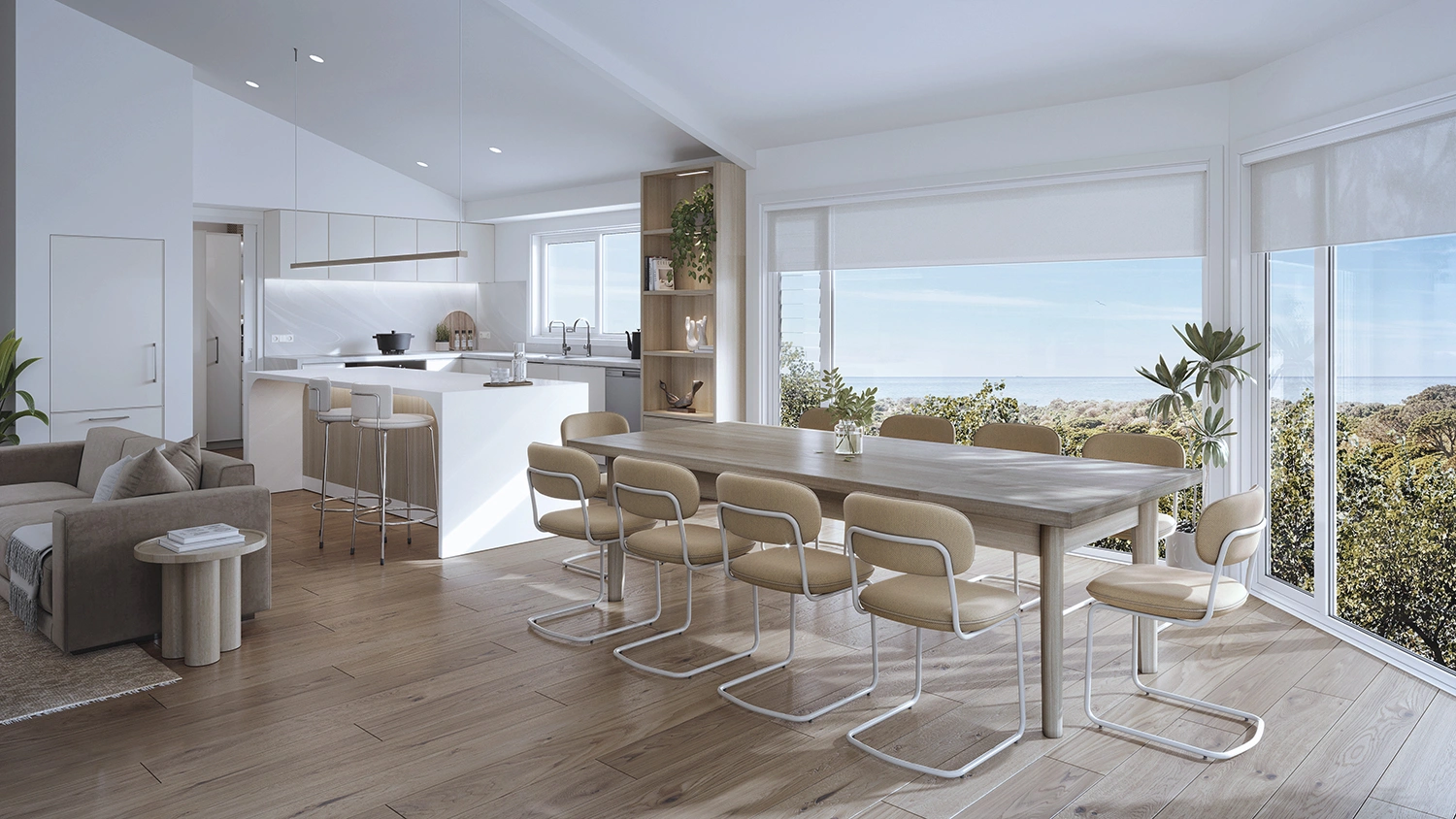
49 Wybellenna Drive
Fairhaven · Dining-area presentation.
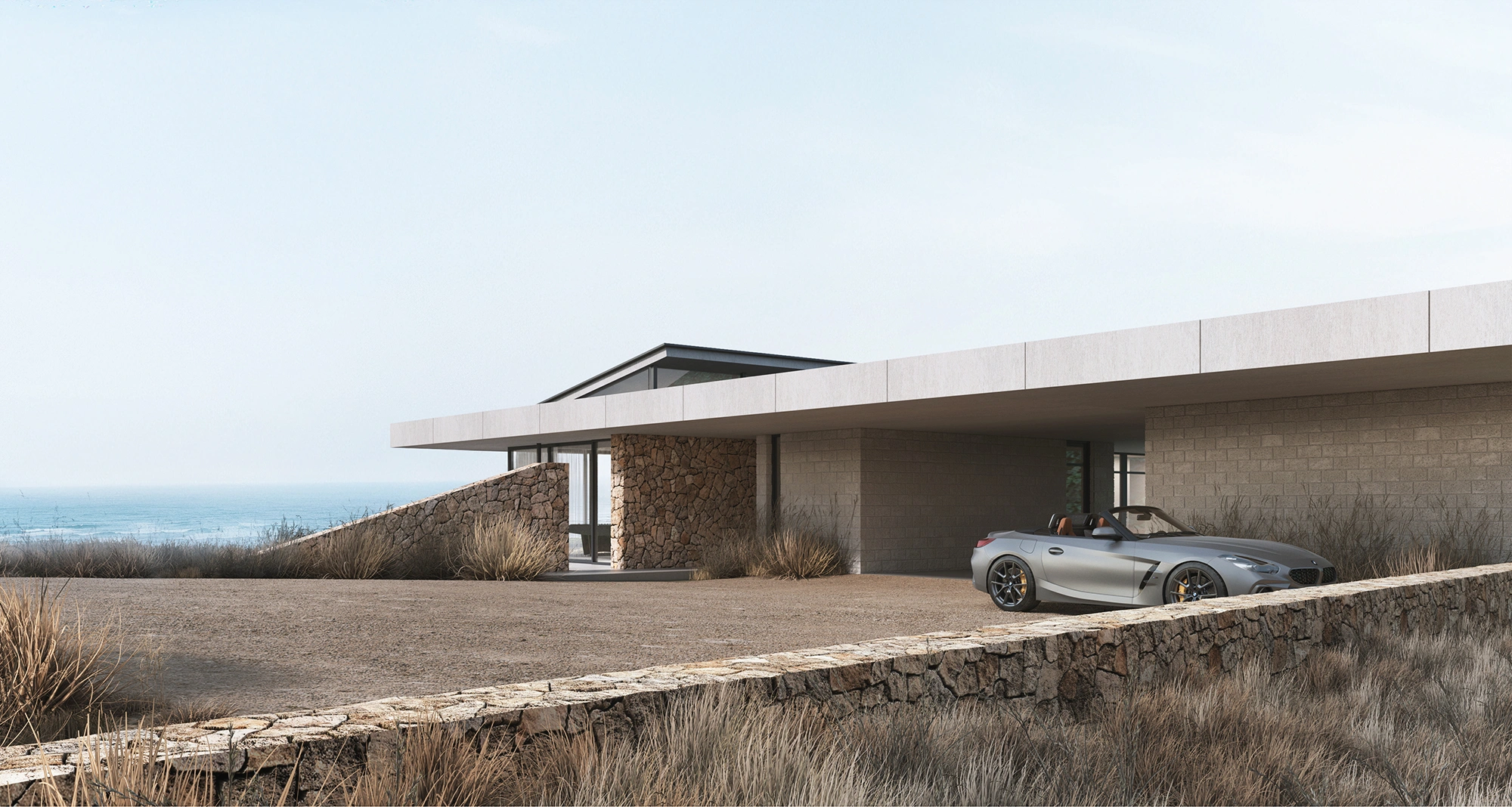
5650 Great Ocean Road
Wongarra · Residential facade presentation.
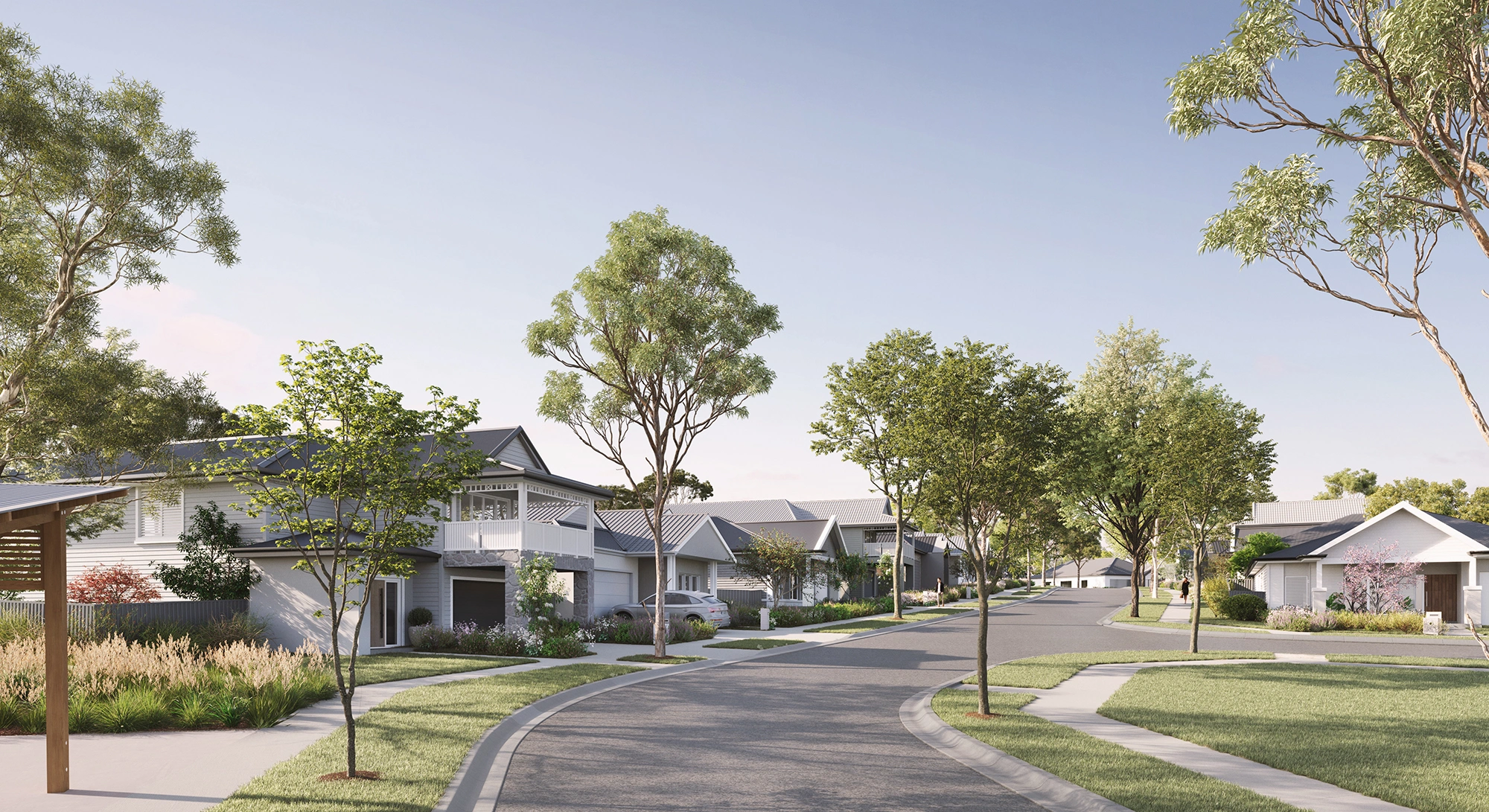
The Grange
Mount Barker · Streetscape presentation.
These examples are from our wider Australian portfolio; they are not presented as case studies of staged Sydney development campaigns.
Staged development rendering: common questions
Can existing 3D models be reused for a later stage?
They may be reusable when suitable source files are available and reuse is within the agreed scope. Check the current design information and discuss the production files, permissions and update requirements with the visualisation team.
Should every release use identical cameras?
No. Keep comparable views consistent where that helps the project identity, but add or change cameras when another stage has different information to communicate.
What if an earlier image shows a design that has changed?
Check whether the change affects its intended use. Update or withdraw affected imagery as appropriate, and record which placements need replacement so the superseded image does not remain active by accident.
Can the full proposed development be shown before every stage is built?
It can be visualised from suitable design information, but identify the intended development state and distinguish future proposals from existing conditions in the relevant image descriptions and project material.
Does reuse mean the next stage will cost less?
Not automatically. Available source files may reduce some setup work, while design changes, new cameras, detailed context and review requirements can add work. Ask for a release-specific scope and quote.
Who should approve the final marketing image set?
Nominate a reviewer who can coordinate design, development and marketing feedback. Confirm both the current image content and the list of approved exports before distribution.